路由参数匹配
- 在components文件夹下创建一个
UserPage.vue的文件用以编写用户中心组件,直接通过解析路由中的参数来显示当前用户的昵称和编号
1
2
3
4
5
6
7
8
9
| <template>
<h1>姓名:{{$route.params.username}}</h1>
<h2>id:{{$route.params.id}}</h2>
</template>
<script>
export default {
};
</script>
|
如上所示,在组件内部可以使用$route属性获取全局路由对象,而路由定义的参数可以在此对象的params属性中获取
1
2
3
4
5
6
7
8
9
10
11
12
13
14
15
16
17
18
19
20
21
22
23
24
| import { createApp } from 'vue'
import App from './App.vue'
import {createRouter, createWebHashHistory} from 'vue-router'
import UserPage from './components/UserPage.vue'
const app = createApp(App)
const routes = [
{path: '/user/:username/:id', component: UserPage},
]
const router = createRouter({
history: createWebHashHistory(),
routes: routes,
})
app.use(router)
app.mount('#app')
|
1
2
3
4
5
6
7
8
9
10
11
12
13
14
15
16
17
18
| <template>
<h1>HelloWorld</h1>
<p>
<router-link to="/user/小王/114">小王的主页</router-link>
<br/>
<router-link to="/user/小李/514">小李的主页</router-link>
</p>
<router-view></router-view>
</template>
<script>
export default {
name: 'App',
components: {
}
}
</script>
|
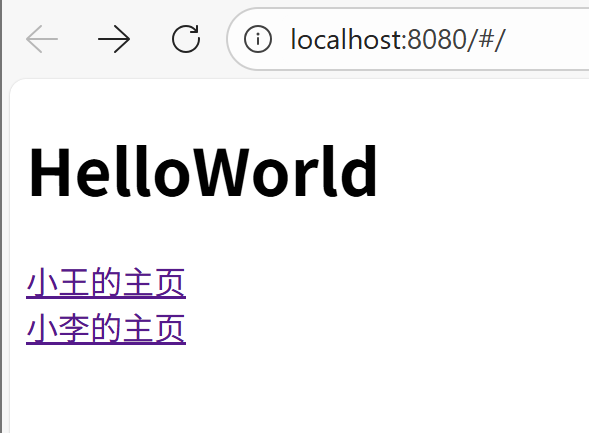
在本地运行后,如下
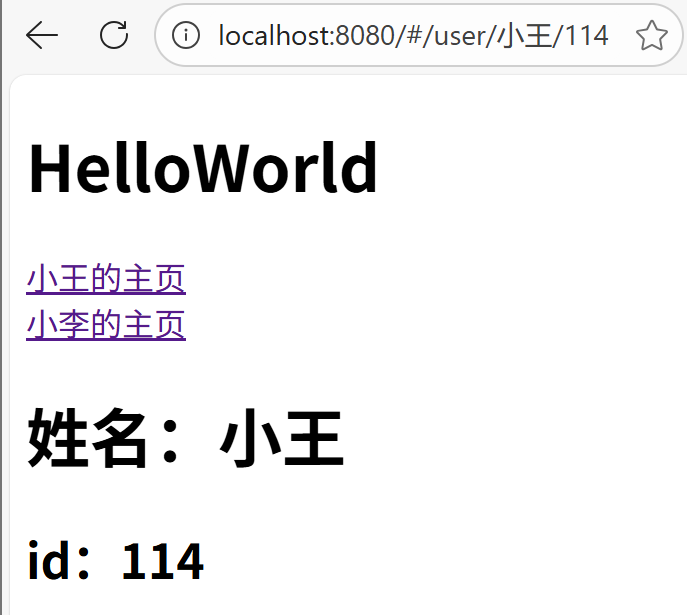
点击链接后,如下
路由匹配的语法规则
- 将用户名和id分开展示,首先在components中创建两个vue文件
UserName.vue和UserID.vue
1
2
3
4
5
6
7
8
9
| <template>
<h1>用户中心</h1>
<h1>姓名:{{ $route.params.username }}</h1>
</template>
<script>
export default {
};
</script>
|
1
2
3
4
5
6
7
8
9
| <template>
<h1>用户id</h1>
<h2>id:{{ $route.params.id }}</h2>
</template>
<script>
export default {
};
</script>
|
- 在
main.js中如下所示,下面代码除了参数名不同外,格式完全一致,这时路径发生了冲突,我们无法访问
1
2
3
4
5
6
| const routes = [
...
{path: '/user/:username', component: UserName},
{path: '/user/:id', component: UserID},
]
|
- 于是我们有两种解决方法,加一个静态前缀路径或者使用正则表达式
静态前缀路径
1
2
3
4
5
| const routes = [
...
{path: '/user/info/:username', component: UserName},
{path: '/user/setting/:id', component: UserID},
]
|
简单,无需多说
正则表达式
常用3个:
| 符号 |
含义 |
| + |
1个或多个 |
| * |
0个或多个(包括1个) |
| ? |
0个或一个 |
具体更多看以前笔记
1
2
3
4
5
| const routes = [
...
{path: '/user/:username', component: UserName},
{path: '/user/:id(\\d+)', component: UserID},
]
|
1
| { path: '/category/:cat*', component:Category}
|
如果有多个参数,则传递的参数会转成一个数组
如由“…/category/123/234/345”可以匹配该路由,则匹配成功后,cat参数为一个数组:
[”123”,”234”,”345”]
1
| { path: '/user/:username?', component:User }
|
此时有无参数,都可匹配,但是传递多个参数就无法匹配
路由的嵌套
前面定义了很多路由,但是真正渲染路由的地方只有一个,即只有一个出口,这类路由实际上都是顶级路由
在实际开发中,我们的项目可能非常复杂,除了根组件中需要路由外,一些子组件中可能也需要路由
在component目录下创建一个新页面FriendsPage.vue
1
2
3
4
5
6
7
| <template>
<h1>好友列表</h1>
<h2>好友人数:{{$route.params.count}}</h2>
</template>
<script>
</script>
|
该页面在在UserName.vue 页面下作为子页面使用,用来显示用户的好友数量
- 因此在
UserName.vue 中,需要添加标签,用来定义二级路由的页面出口
1
2
3
4
5
6
7
8
9
10
| <template>
<h1>用户中心</h1>
<h1>姓名:{{ $route.params.username }}</h1>
<router-view></router-view>
</template>
<script>
export default {
};
</script>
|
1
2
3
4
5
6
7
8
9
10
11
12
13
| ...
import FriendsPage from './components/FriendsPage.vue'
...
const routes = [
...
{path: '/user/:username', component: UserName,
children: [
{path: 'friends/:count(\\d+)', component: FriendsPage},
]
},
...
]
|
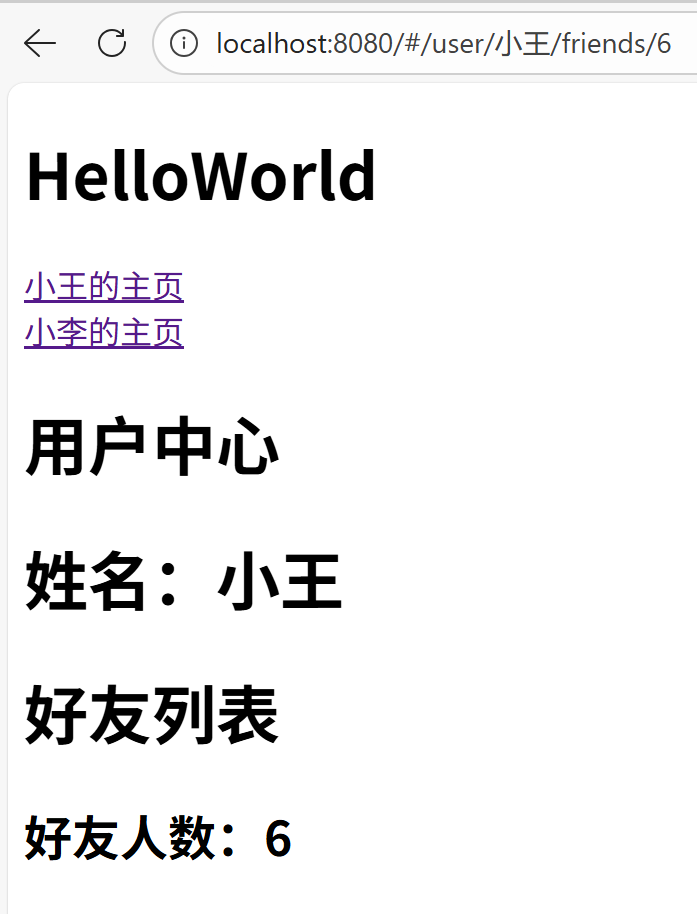
- 此时运行并访问**/user/:username/friends/:count(\d+)**便可以得到如下页面